
How to Search Schoolcraft County Traffic Court Records
Traffic cases in Schoolcraft County route primarily through the 93rd Judicial District Court, Room 135 of the courthouse at 300 Walnut Street in Manistique. Judge Charles Nebel presides, and the court clerk handles the traffic docket. The district court is Michigan's limited-jurisdiction trial court. It hears civil infractions, traffic tickets, and misdemeanor traffic matters. The public index for these files is MiCOURT Case Search, and the county links straight to the Schoolcraft district route coded D93~2. You can reach the court by phone at 906-341-3630 or by fax at 906-341-8006.
MiCOURT lets you search by case number or by party name. Two things help before you start. Know whether the ticket is a civil infraction or a misdemeanor, and have the citation number ready if the paper ticket is in hand. The system returns index information such as the case number, the parties, the charge, and the status. It does not post document images online, so the actual filed paper is requested from the clerk.
The county's own 93rd District Court page carries the direct MiCOURT link, the mailing address, and the court staff list. That page, published at the Schoolcraft County 93rd Judicial District Court site, is the anchor for any traffic lookup.
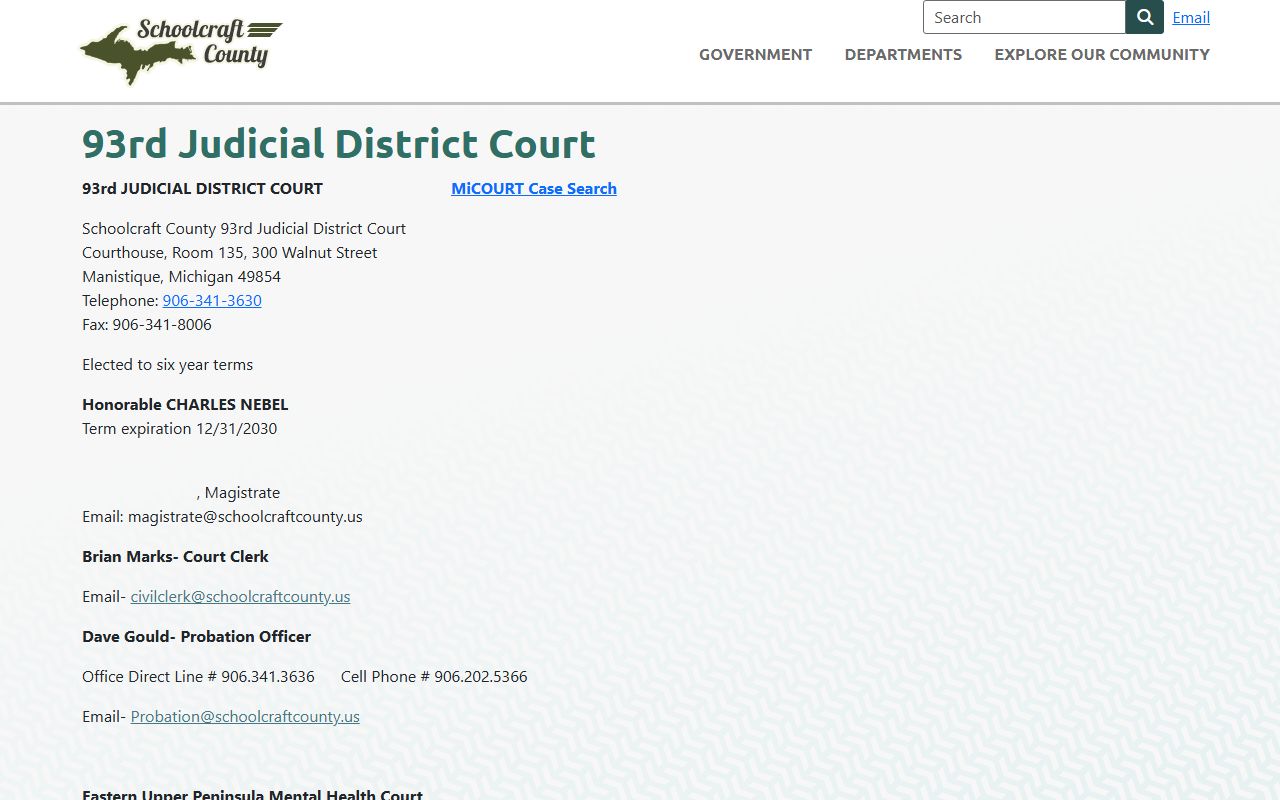
The same page also lists the court's probation officer and the regional mental health court contacts, which matters when a traffic case carries a misdemeanor sentence. For a straight ticket lookup, the steps below move from the court index to payment or a certified copy.
- Choose the right court. Tickets issued in Schoolcraft County usually land in the 93rd District Court, so start there rather than at circuit court.
- Open MiCOURT Case Search and select the 93rd District Court, or use the county's direct D93~2 link to skip the court picker.
- Search by case number when the citation is already filed as a court case, or search by last name when the number is unknown.
- Read the result as an index. Expect the case number, driver name, charge and statute, hearing dates, plea or responsibility, and current status.
- For a payable ticket, move to Michigan Courts ePAY. For a certified copy or a document not shown online, contact the district court clerk.
Note: MiCOURT is a register-of-actions index and does not replace the official court file, so confirm anything important with the 93rd District Court clerk.
Searching Schoolcraft County Payable Tickets on ePAY
Michigan Courts ePAY is a separate statewide tool built for payable tickets and cases. It only returns matters that a participating court has flagged as payable, so a case that is closed or one that requires a court appearance may not appear there. Schoolcraft drivers first select the county, then choose the court, then pick one of four search methods.
The four paths give several ways to find the same ticket. One uses the name and ticket number, one uses the name and date of birth, one uses the driver license number, and one uses the license plate. The Michigan Courts ePAY ticket search lays these out as expandable search panels.
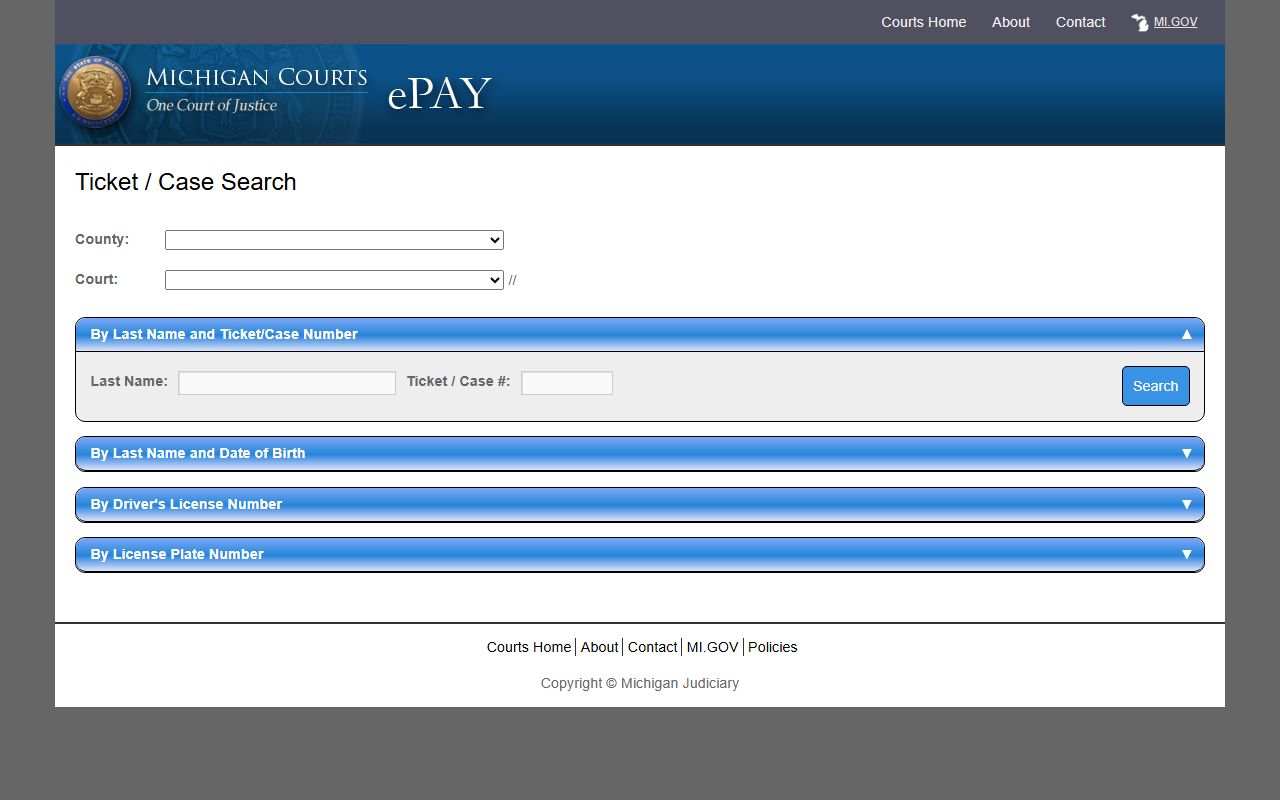
Each method needs an exact match, so a mistyped plate or a wrong birth year will return nothing. The full field set is shown below.
| Search Field | Type | Required | Notes / Format |
|---|---|---|---|
| County | Dropdown | Yes | Select the county first. |
| Court | Dropdown | Yes | Select the participating court after the county. |
| By Last Name and Ticket/Case Number | Search path | One path required | Last name plus the citation or court number. |
| By Last Name and Date of Birth | Search path | One path required | Last name plus month, day, and year of birth. |
| By Driver's License Number and State | Search path | One path required | Driver license number plus the issuing state. |
| By License Plate Number and State | Search path | One path required | Plate number plus the registering state. |
Searching Schoolcraft County Tickets by Citation or Name
When the paper ticket is in hand, the citation number is the fastest key. It points to one file and skips the guesswork of matching names. Enter it in MiCOURT case-number search or in the ePAY ticket path, and confirm the number matches the format printed on the citation.
A name search is the fallback when the number is lost. It works, but it carries pitfalls. Common last names can return several people. Married and maiden names may split a driver's history across entries. Adding a first name, a birth year, or a plate narrows the field. In ePAY, the date of birth and the driver license paths both exist precisely so a name alone does not have to do all the work.
Important: ePAY shows only payable matters, while MiCOURT shows filed cases whether payable or not, so check both tools before deciding a ticket does not exist.
What Schoolcraft County Traffic Court Records Show
A traffic court record is the court file and docket for a citation or a misdemeanor traffic charge. It tracks the case from the day the ticket is filed to the day it is resolved. The public view in MiCOURT is index-level, meaning it lists the facts of the case rather than scanned documents. For a traffic matter, the common fields appear below.
| Field | What It Shows |
|---|---|
| Citation / Case Number | The unique court file number tied to the ticket; format varies by case type. |
| Charge / Statute | The offense described with its Michigan Compiled Laws citation and civil-infraction or misdemeanor label. |
| Court and Judge | The 93rd District Court and the judicial officer of record for the case. |
| Hearing Date | Any scheduled informal or formal hearing, appearance, or review date. |
| Plea or Responsibility | Whether the driver admitted, denied, or was found responsible for the infraction. |
| Disposition / Judgment | The outcome, such as responsible, dismissed, or a conviction on a misdemeanor charge. |
| Fines and Costs | The fine, court costs, state costs, and any assessed fees. |
| Balance Due | The amount still owed, which may route to ePAY when the matter is payable. |
| Warrant / FTA Events | Failure-to-appear or bench-warrant activity entered on the docket when public. |
Points are the notable absence here. The court file records the charge and the outcome, but the point total that follows a conviction lives on the state driving record, not in the district court docket.
Paying or Contesting a Schoolcraft County Traffic Ticket
A civil infraction is not a crime. Most Schoolcraft traffic tickets are resolved by paying the ticket or by asking for a hearing, and the citation itself prints the deadline to respond. Missing that date can add costs and trigger a license hold, so acting early matters.
Payment can go through Michigan Courts ePAY, through the court's GovPayNow link, or directly to the district court. The 93rd District Court's card-payment page is hosted at GovPayNow for the 93rd Judicial District Court.
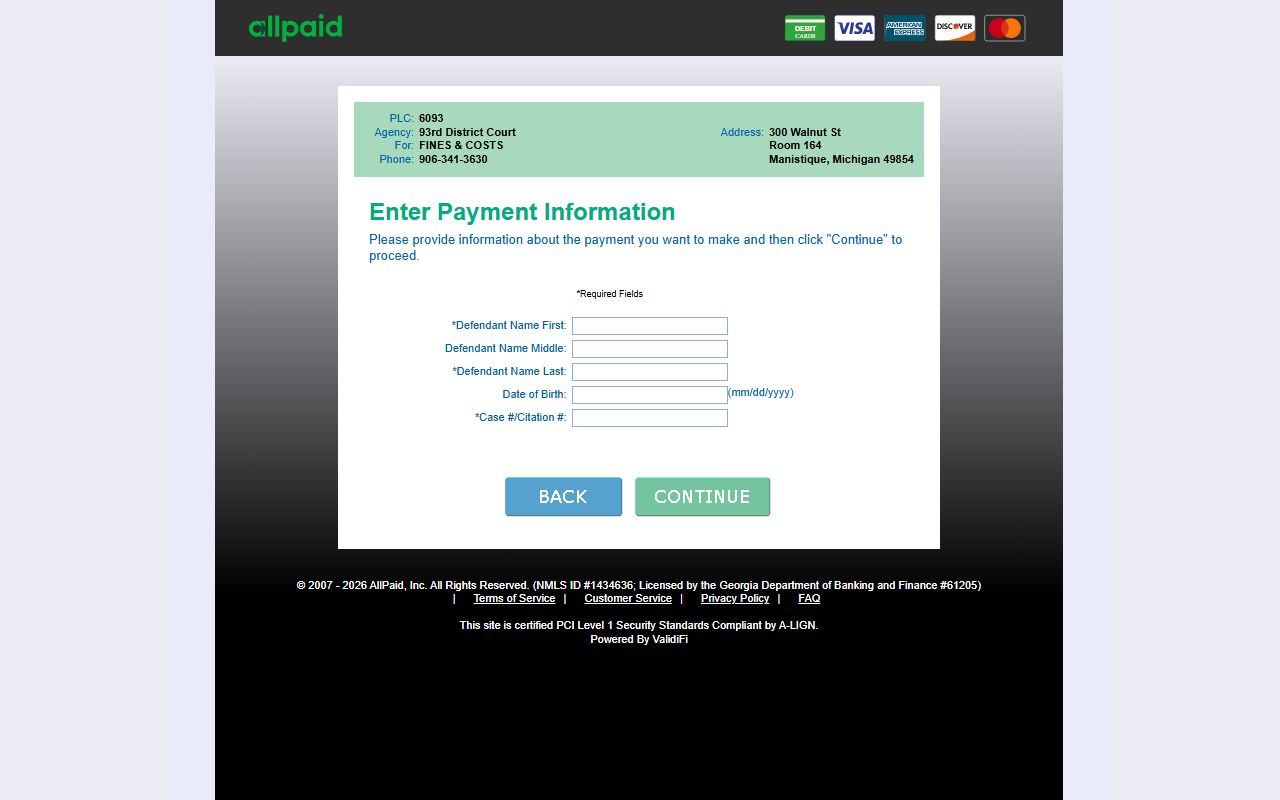
That link is the same one referenced in the state court metadata for the Schoolcraft district court, so it routes payment to the correct court account. To pay or contest a ticket, follow the steps below.
- Read the citation to confirm the court and the response deadline printed on the ticket.
- Decide whether to admit responsibility, admit with an explanation, or deny the infraction.
- To pay a payable ticket, use Michigan Courts ePAY, the district court GovPayNow link, or pay the court directly.
- To contest, contact the 93rd District Court before the printed deadline to schedule an informal or formal hearing.
- Bring or send any evidence, and keep the receipt or hearing notice for your records.
- Check the Secretary of State driving record afterward to see any points or licensing impact.
Schoolcraft County Traffic Records vs the State Driver Record
These are two different files, and mixing them up sends people to the wrong office. The court traffic record is the case file held by the 93rd District Court and indexed in MiCOURT and ePAY. The state driver record is the licensing history kept by the Michigan Secretary of State. One shows what happened in court. The other shows what happened to the license.
The Secretary of State compiles the driving record from branch offices, courts, police agencies, other states, and health agencies. The Michigan Secretary of State driving record page explains how to buy an electronic copy, order by mail, or schedule an office visit.
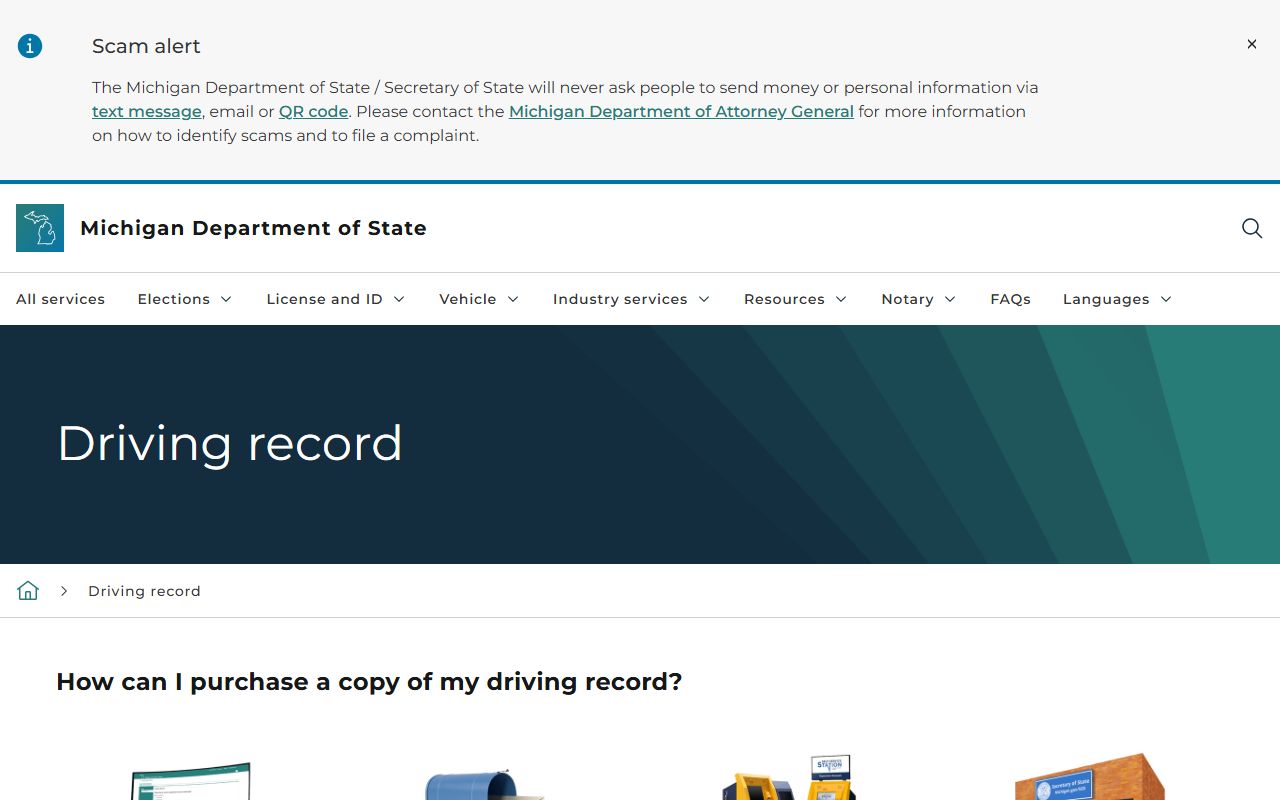
The Secretary of State also notes that records bought in its offices are certified and that some offenses stay on the record longer or permanently. The table below sets the two files side by side.
| Comparison Point | Court Traffic Record | State Driver Record |
|---|---|---|
| Where to access | 93rd District Court, MiCOURT, and ePAY | Michigan Secretary of State |
| What it shows | Citation and case number, charge, hearing, plea or responsibility, judgment, fines and costs, and warrant or failure-to-appear events | Convictions reported by courts, points, suspensions and revocations, and current license status |
| What it does not show | Full statewide driver history or license status beyond the court action | Full court pleadings, officer notes, and the case docket documents |
| How to correct errors | Contact the 93rd District Court that entered the record | Obtain the court order that corrects the entry, contact the court for a corrected abstract, then the Secretary of State updates the record |
DUI and OWI Traffic Cases in Schoolcraft County
Not every traffic matter is a simple ticket. In Michigan, operating while intoxicated and related drunk or drugged driving offenses are crimes, not civil infractions. They begin in the 93rd District Court as misdemeanor traffic cases, and felony-level charges bind over to the 11th Circuit Court after preliminary proceedings.
Because these cases carry pleas, sentencing, and probation, the record reads like a criminal file rather than a payable ticket. The full case file, pleas, and sentencing appear in the Schoolcraft County criminal court records. The county also takes part in the regional Schoolcraft and Alger hybrid DWI and drug court, a problem-solving program run through the 93rd District Court, so referral and eligibility questions go to that court.
CDL and Commercial Driver Traffic Records
Commercial driver license holders face tighter rules than standard drivers. A conviction that a regular driver might resolve quietly can carry heavier consequences for a CDL, because commercial convictions flow into the state driving record and the federal commercial driver system. The Secretary of State driving record is the authoritative file for these effects, not the district court docket.
- Traffic convictions are reported to the state driving record and follow the commercial license.
- Options that keep a minor infraction off a standard record are limited for CDL holders.
- Serious or repeated violations can lead the state to disqualify the commercial license.
- A violation committed in any vehicle can still affect the CDL.
Because commercial rules differ from those for a standard license, a CDL holder with a Schoolcraft ticket should confirm the effect with both the 93rd District Court and the Secretary of State before deciding how to respond.
Points and the Basic Driver Improvement Course
Michigan assigns points to certain traffic convictions, and those points sit on the state driving record rather than in the court file. Points can raise insurance costs and, if they stack up, prompt state action on the license. The court file records the charge and the outcome, but the point count and its consequences are managed by the Secretary of State.
Eligible drivers may keep a qualifying minor civil infraction off the record by completing the Basic Driver Improvement Course. The eligibility rules, the qualifying offenses, and the effect on points are all set by the state. The Michigan Basic Driver Improvement Course page explains who qualifies and how the course works.
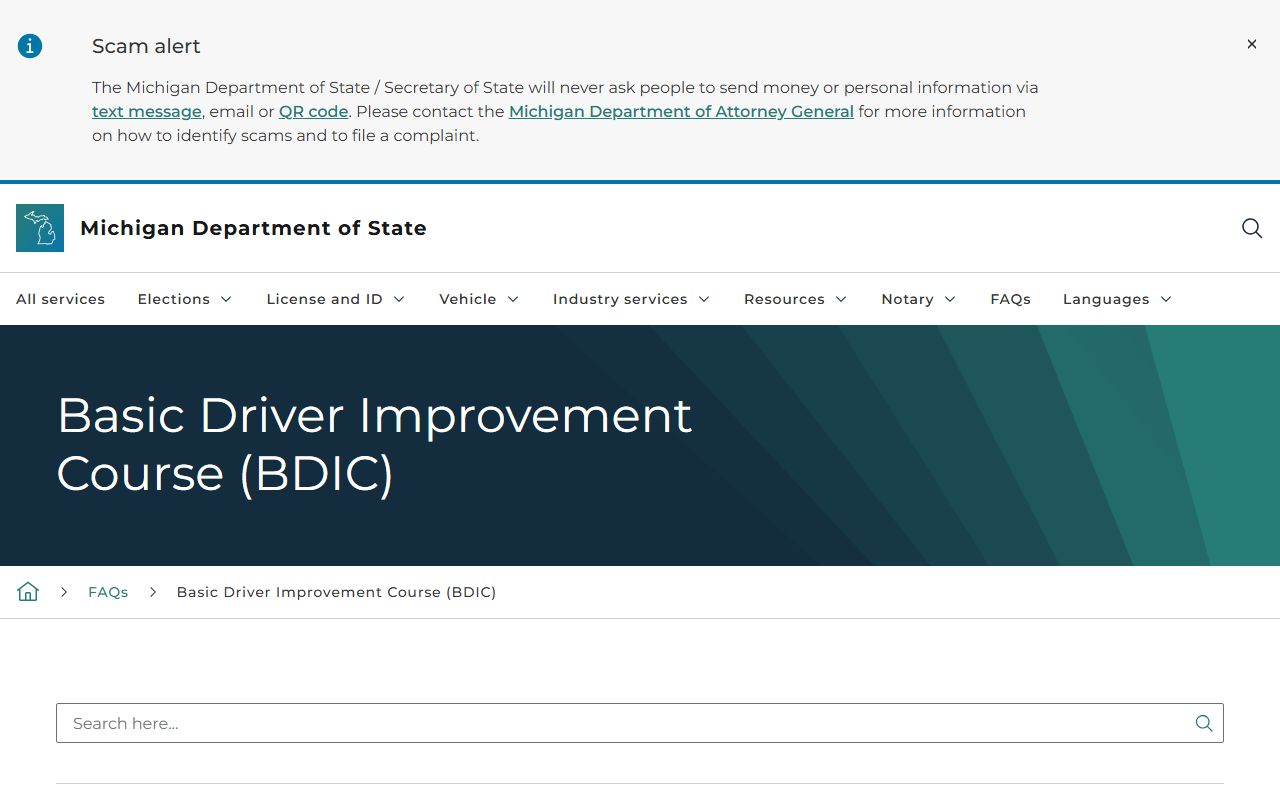
Confirm eligibility with the Secretary of State before assuming a Schoolcraft ticket qualifies, since not every offense and not every driving history is covered.
Note: the course option and its point effect are governed by state rules, so check current eligibility with the Secretary of State rather than the district court.
Public Access to Schoolcraft County Traffic Records
Traffic court records are court records, and Michigan controls their access through court rules rather than the state Freedom of Information Act. MiCOURT posts index information for participating courts, but courts generally do not put document images online. For a full file or a certified copy, the request goes to the 93rd District Court. These are the same access rules that govern all Schoolcraft County court records.
Key Statutes:
Michigan Court Rule 1.109 - defines court records and shields protected personal identifying information such as birth dates and license numbers.
Michigan Court Rule 8.119 - governs how courts maintain records and control public access, including limits on document images online.
MCL 15.231 - the Michigan Freedom of Information Act policy section, used for county administrative records rather than court case files.
Failure to Appear on a Schoolcraft County Traffic Ticket
Ignoring a ticket has real consequences. Missing a payment deadline or a scheduled hearing can add costs and lead to a default judgment on a civil infraction. The Secretary of State can also place a hold on the license for a failure to appear or a failure to pay, which can grow into a suspension.
On a misdemeanor traffic charge, the 93rd District Court can issue a bench warrant when a driver skips a required appearance. That warrant activity may show in the MiCOURT case history when it is public. Clearing it means contacting the district court directly, resolving the underlying ticket, and, where required, appearing before the court to lift the hold.
Copies and Fees for Traffic Court Records
A certified disposition or a copy of a traffic file comes from the 93rd District Court. The clerk in Room 135 can confirm what is available and how to request it, by phone at 906-341-3630 or in person at the courthouse on Walnut Street.
No Schoolcraft-specific traffic fine schedule is published, so the amount due on a ticket comes from Michigan Courts ePAY or directly from the court. The county's posted circuit court copy and certification fees apply to circuit files and do not necessarily match district traffic copy costs, so confirm any copy or certification fee with the 93rd District Court before sending payment.
For points, license status, and a certified driving abstract, the Secretary of State is the office to contact rather than the district court, since those charges attach to the license file instead of the traffic docket.